Zomalex | Data and AI Training
Generative AI Courses - Joining Instructions
In this course, we use four AI assistants; ChatGPT, Copilot, Claude and Gemini. Sign up to all of these services before the course starts. The links to the sign up pages are given below.
- ChatGPT from OpenAI
- Copilot from Microsoft
- Claude from Anthropic
- Gemini and NotebookLM from Google
These services offer both free and paid version. Sign up to the free version. You can use a personal or organisational email address to sign up. If you use an organisational email address, please ensure that your organisation allows the use of these AI assistants. You can use some of these tools without signing in but most AI assistants offer more features if you do sign in. For example they will remember your conversation history once signed in.
If needed, here are some specific details about signing in to each of these services.
OpenAI’s ChatGPT
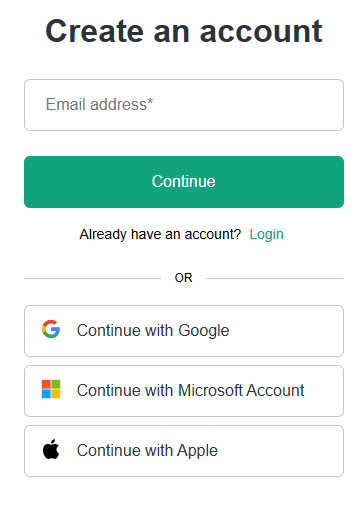
The official ChatGPT registration page is here. You can sign up in the usual way, using an email address or via a Google, Microsoft or Apple account. The page will look something like this.
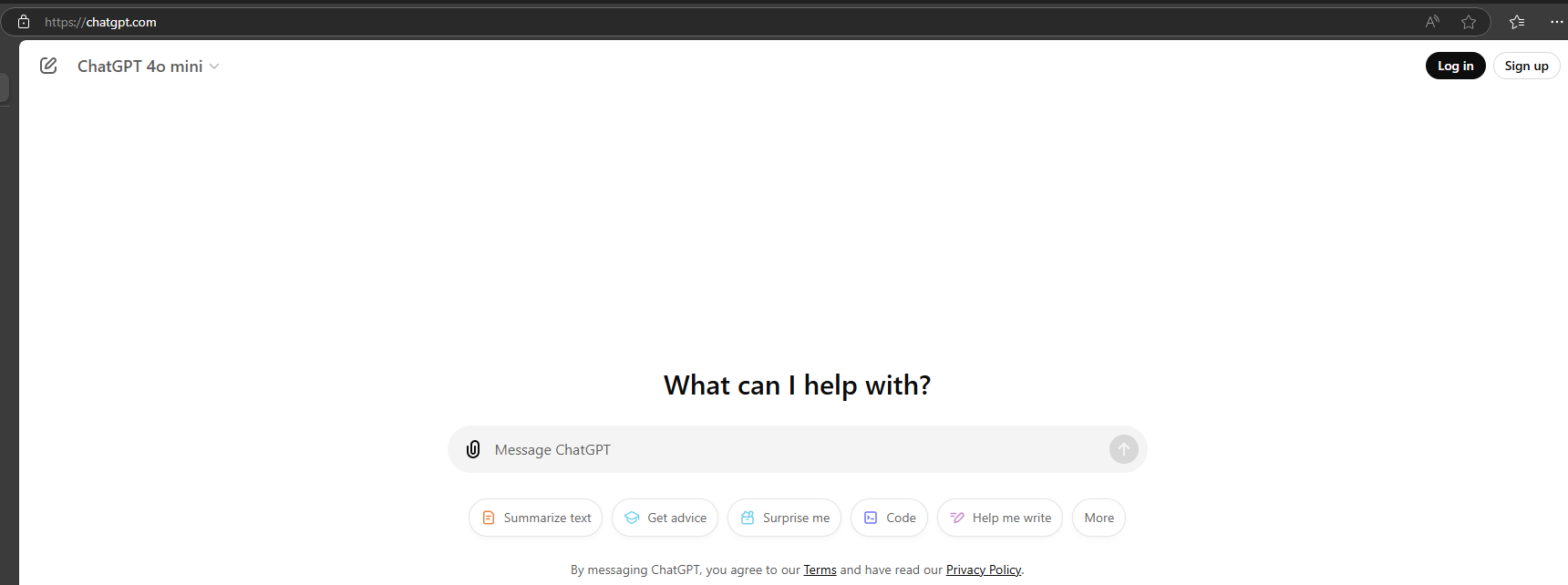
Click on the “Sign up” button on the top right to see the “Create an account” page that will look like this.
Microsoft’s Copilot
You need to use the Microsoft browser Edge to make the best use of Copilot. Copilot comes in various versions:
-
the free (personal) version. The start page is at https://copilot.microsoft.com.
-
the paid (work/school) version. The start page is at https://m365.cloud.microsoft. Depending on your licenses, this version may have access to your work sources (documents on OneDrive, emails, etc). This is a very useful feature in general, but if available to you, take care not to show any confidential work information when presenting your screen during the course.
Copilot is also integrated into M365 applications like Teams, Outlook, Excel, Word and PowerPoint but the course does not cover this aspect of Copilot.# Read more about Copilot.
Anthropic’s Claude
The sign up page is here. You can sign in with an email address or a Google account.
Google’s Gemini
The sign up page is here. You will need a Google account – if you don’t already have one, you can create one for free.
Sign up to all four AI assistants
The reasons that attendees need to sign up to all four services are:
- The free versions of these tools may occasionally lock us out for a certain time period after we have used our quota of prompts. In that case we can simply switch to another service. (Note that the service may simply lock us out of using their latest and greatest version of the model but allow us to continue using the tool with an older version which for our purposes may work just as well.)
- These AIs have a different set of capabilities and some tasks may not be possible in a particular AI. For example, we can provide a URL to ChatGPT and it will read the content of that web page, and any linked pages also if requested. However, at the current time of writing, Claude cannot do this.
- It is interesting to compare the responses of different AIs to the same prompt - where are they similar and where are they different?
Follow your organisation’s AI policy
If your organisation does have an official AI policy, please use the preferred AI assistant. Always follow your organisations policy on AI.