Zomalex | Data and AI Training
Modern Data Modelling Setup - Alternative approach to using Power BI Desktop - Use Power BI online
Using Power BI Desktop is the preferred approach but this may not be possible. If so, an alternative is to use Power BI online to build the model. This is not guaranteed to work, and is not recommended.
To build a model in Power BI Online, you must have a work/school account and be able to sign in to Power BI Online,
To use the Power BI Modeling MCP server on a published model in a Fabric workspace requires two things:
- a Power BI Premium Per User (PPU) license or a Premium license and
- the Power BI admin must enable the “Users can use the Power BI Model Context Protocol server endpoint” setting in the admin portal
In powerbi.com, chose or create a workspace backed by premium or premium-per-user capacity. Then go to Workspace Settings and open the Workspace Type tab. Copy the Connection Link value to the clipboard. It will be something like
powerbi://api.powerbi.com/v1.0/myorg/Modern%20Data%20Model
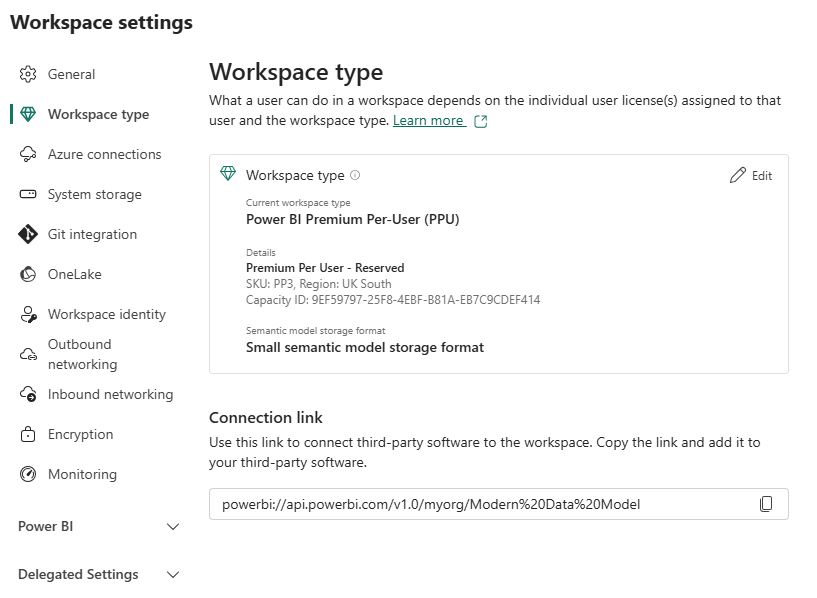
In the AI chat , to connect to the published Power BI Model, type for example (replacing the workspace name and model name as appropriate)
Connect to the published Power BI Model at powerbi://api.powerbi.com/v1.0/myorg/Modern%20Data%20Model using the Power BI Modeling MCP server
Note: How to check if you have a Power BI License
You must have a Power BI license. To check this, go to Power BI online and sign in with your work email address. If you can’t sign in, talk to your IT team to see if they can enable Power BI online for you.
Once you have signed in, check the licence that you have by clicking the head and shoulders icon in the top right to see your profile - this will show the licence type (e.g Premium Per User, Pro, Free).
Click on the Workspaces icon, and select the “My Workspace” workspace.
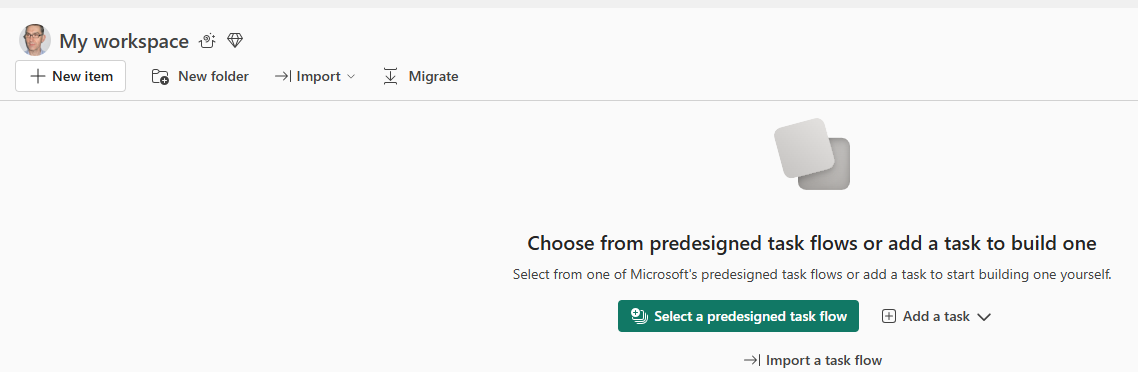
Then select the “New item” button. You should see a flyout screen like this.
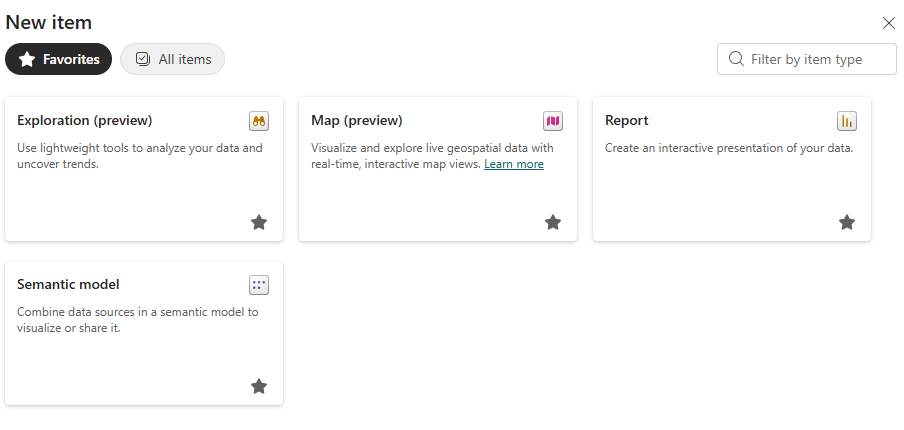
Click on the “Semantic model” option. If you can see this option, then it is likely that you will be able to follow most of the course using Power BI online.
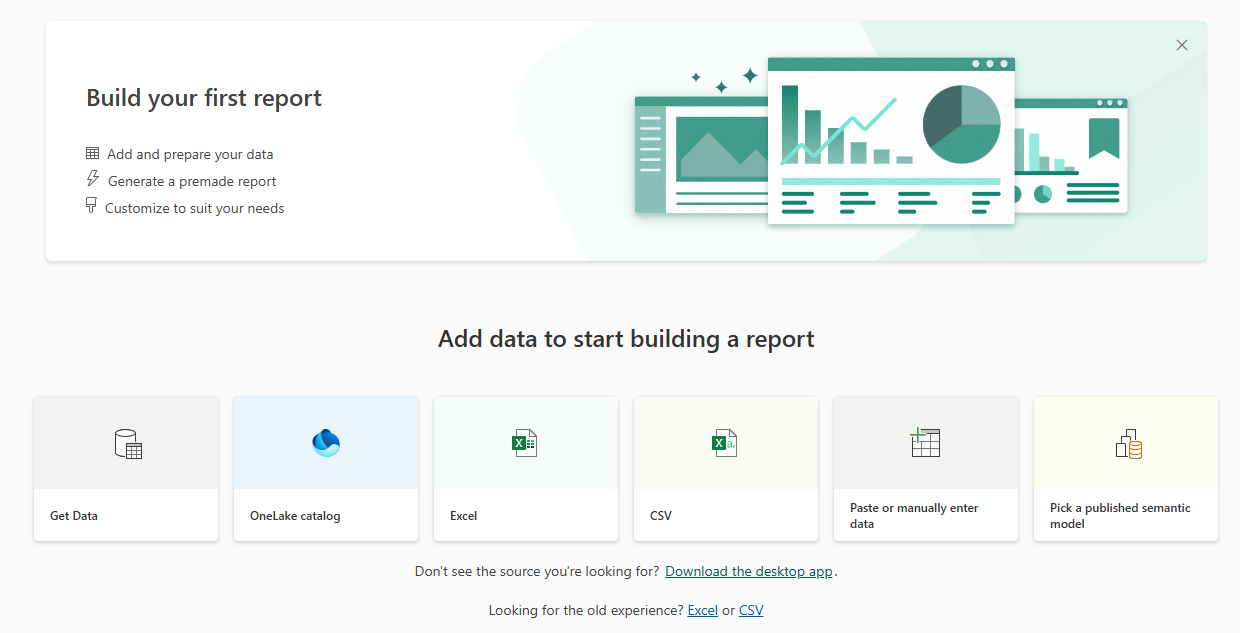
If you can see this screen, then it is likely that you will be able to build the model in Power BI Online.